1. Create an account
Choose venue owner registration, confirm your email and complete your profile. The trial starts after registration is complete.
 FRONTLINE VR
Frontline VR
Try the games, launcher and CRM at your venue before choosing a plan. Create an account, complete registration and run your first sessions on your own headsets.
No bank card or upfront payment is needed.
Choose venue owner registration, confirm your email and complete your profile. The trial starts after registration is complete.
Download the Windows installer and sign in to Frontline. Follow the guide to prepare your headsets.
Connect headsets to the same network as your computer, check the play area and launch an available game.
Try different game modes, set up the play area and run a session with your team. Check how staff prepare headsets and track play time.
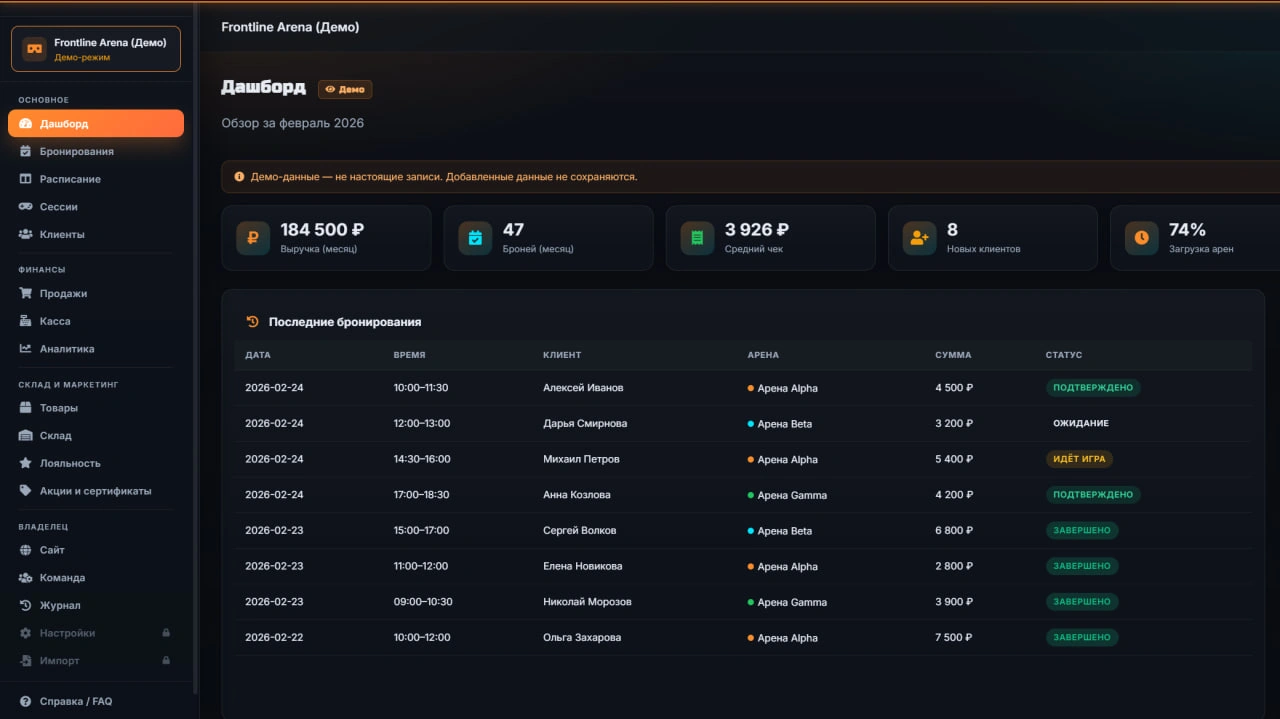
Create a booking in CRM, view a customer record and explore reports. If you need help, contact us and tell us which step you are working on.
After a new venue owner account completes registration and its profile.
Meta Quest 2, Quest 3 or Quest Pro headsets and a computer running 64-bit Windows 10/11. The computer and headsets must be on the same Wi-Fi network.
Choose MINI or PRO with monthly or annual billing. For multiple venues, discuss ENTERPRISE with our team.
The 14 days begin after a new venue owner completes registration. No card or advance payment is required. The trial is for evaluating and setting up one venue; paid guest sessions require express permission in the trial plan’s terms. Confirm this before selling tickets.
The trial does not become a paid subscription without separate consent. Choose and order a plan to continue. Subscription prices · Full terms (Russian)
Create an account and complete registration to get 14 free days. Contact us if you need help with setup.